> For the complete documentation index, see [llms.txt](https://help.littledata.io/llms.txt). Markdown versions of documentation pages are available by appending `.md` to page URLs; this page is available as [Markdown](https://help.littledata.io/google-analytics/conversions/shopify-to-google-analytics-4-beta.md).
# Shopify reporting in Google Analytics 4
An overview of the GA4 reports you can use for your Shopify store once Littledata sends your sales and marketing data to GA4.
With Littledata's server-side tracking, you send complete sales and marketing data from Shopify to Google Analytics 4 (GA4). This page gives you an overview of the GA4 reports you can use for your store, and where to find them.
### Connect Shopify to GA4
[Add the GA4 destination](https://help.littledata.io/integrations/shopify-to-google-analytics/littledata-shopify-install-guide) in the Littledata app. To learn what Littledata sends, see [How it works: Shopify to Google Analytics](https://help.littledata.io/integrations/shopify-to-google-analytics/how-it-works-shopify-to-ga4).
### Where to find reports in GA4
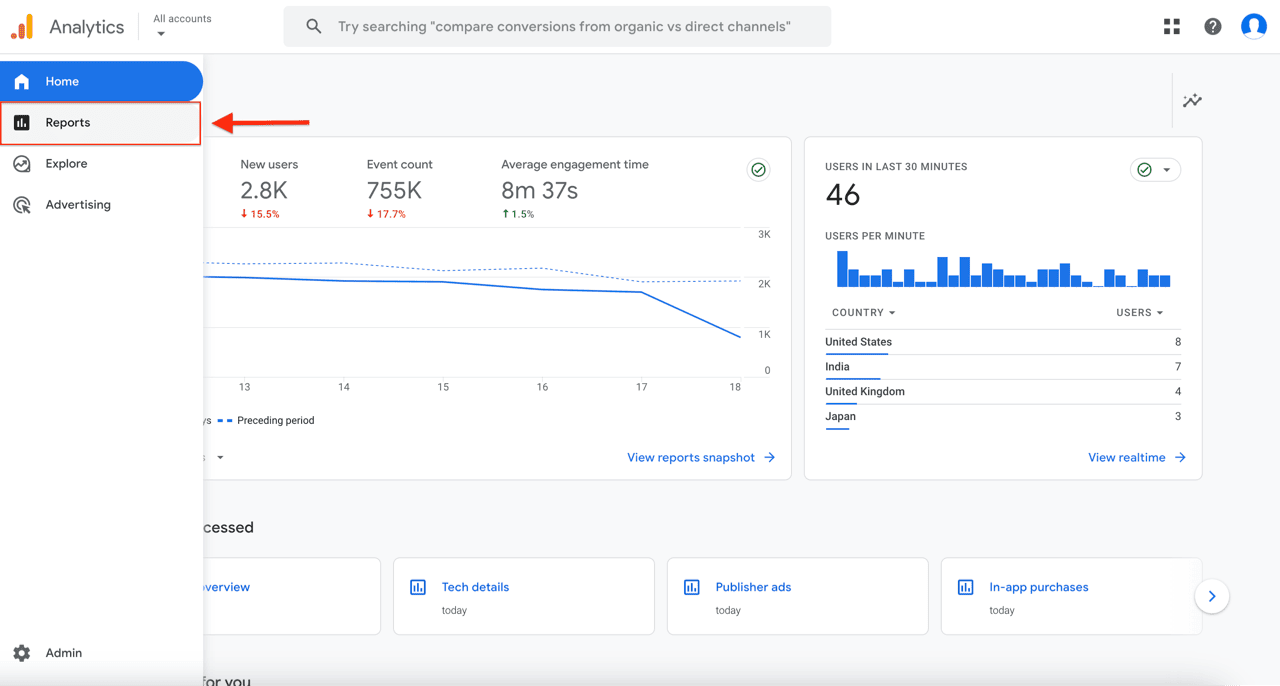
In GA4, click **Reports** in the left menu. Most of the reports below are under **Life cycle** or **User**.
### Reports you can use
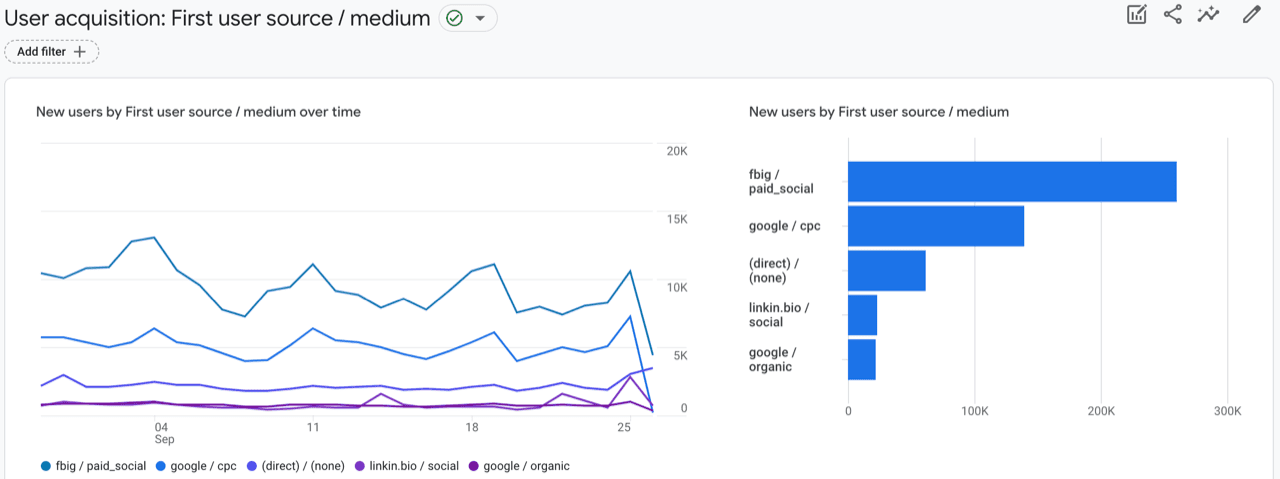
#### User acquisition
Shows how new users first arrive at your website, and which marketing campaigns bring them in.
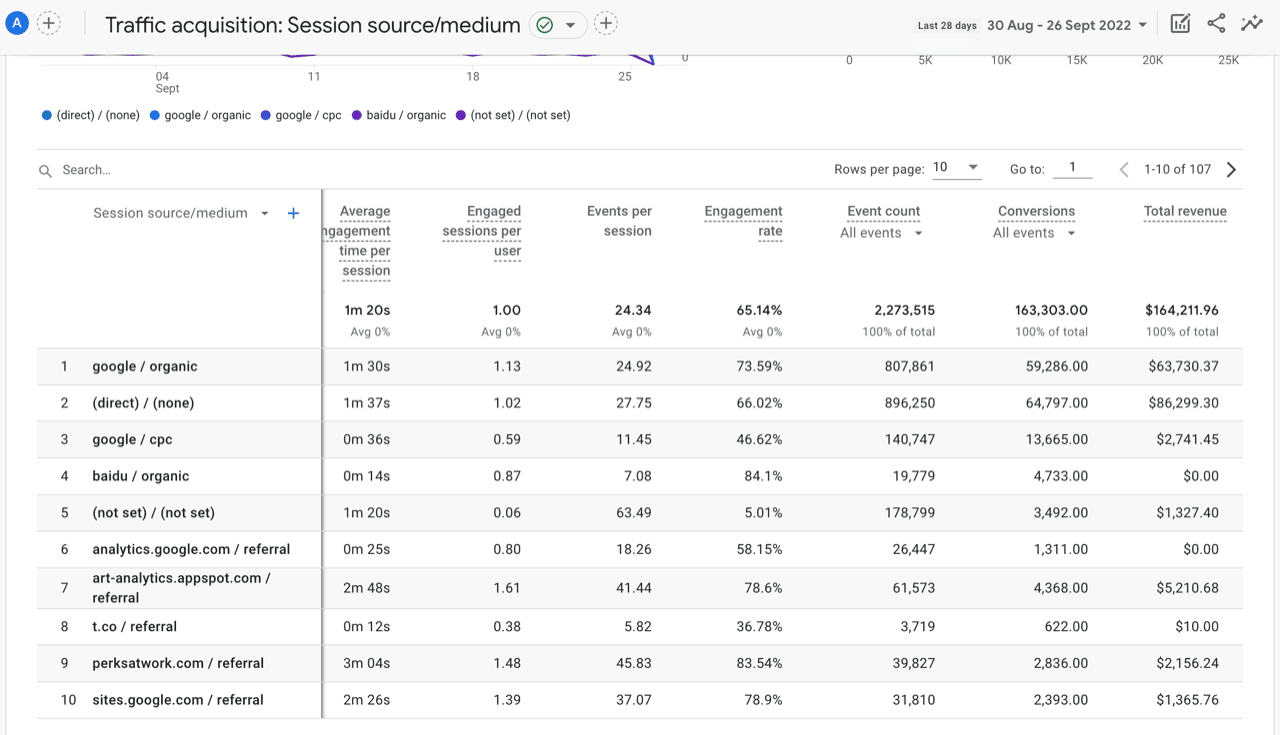
#### Traffic acquisition
Shows how each session arrives at your website. User acquisition looks at a user's first visit, while traffic acquisition looks at every session.
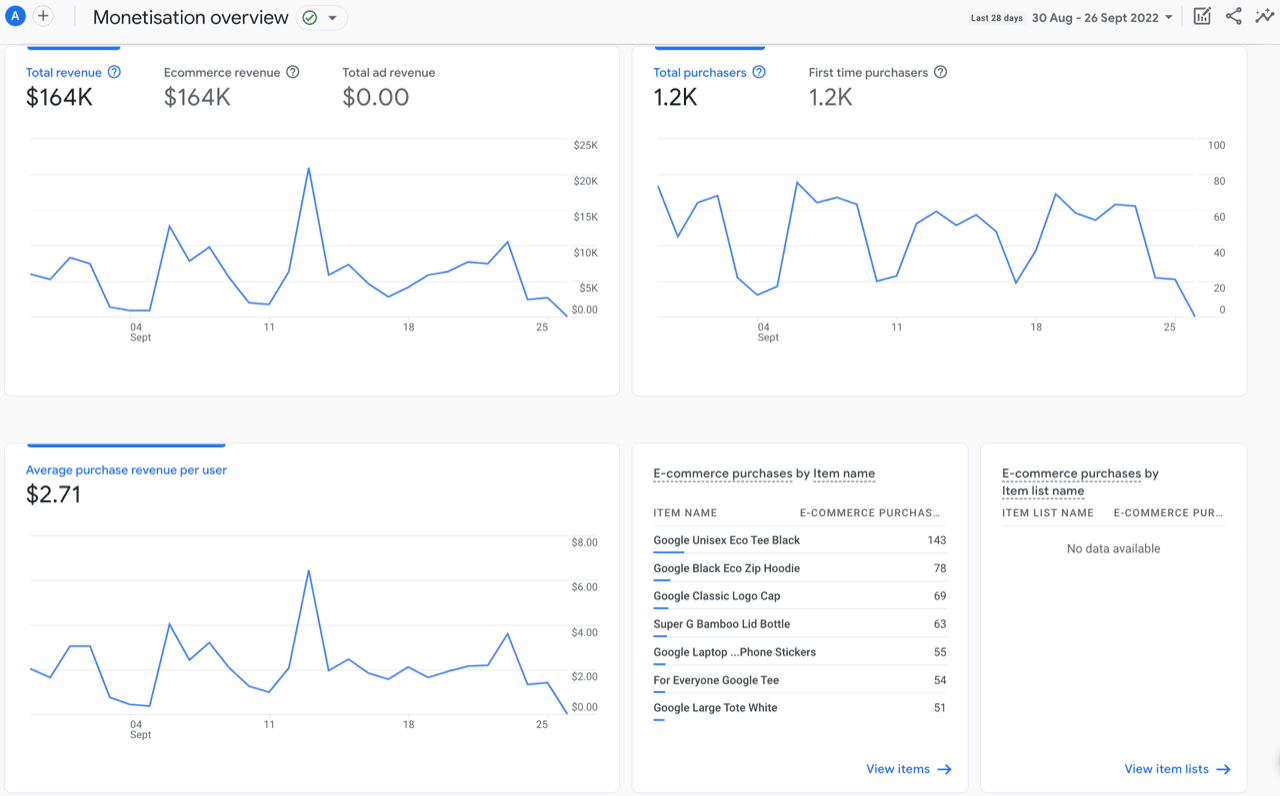
#### Monetization overview
Shows the revenue you make from the items on your website. You can also see how many customers view each item you sell, and other data about what drives your revenue.
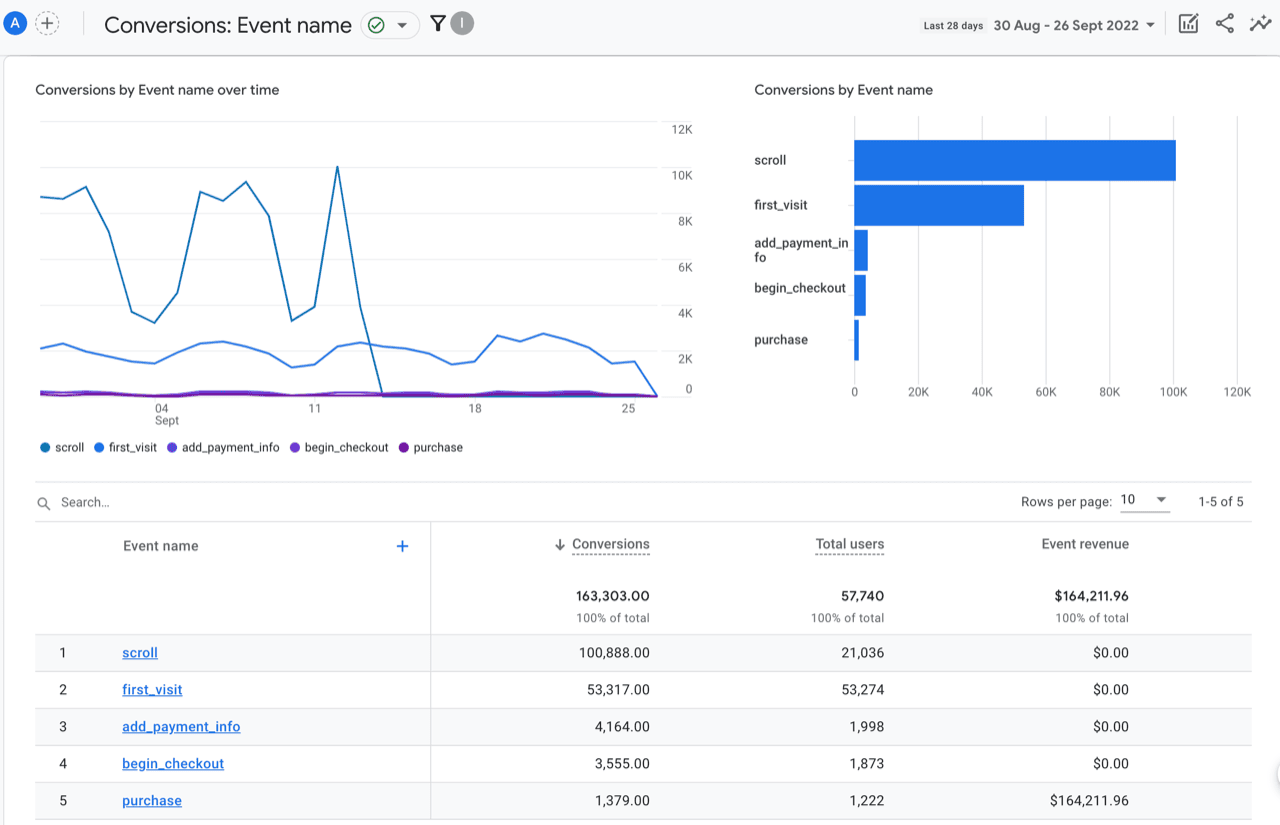
#### Key events
Shows a summary of all purchases, plus any other events you mark as key events.
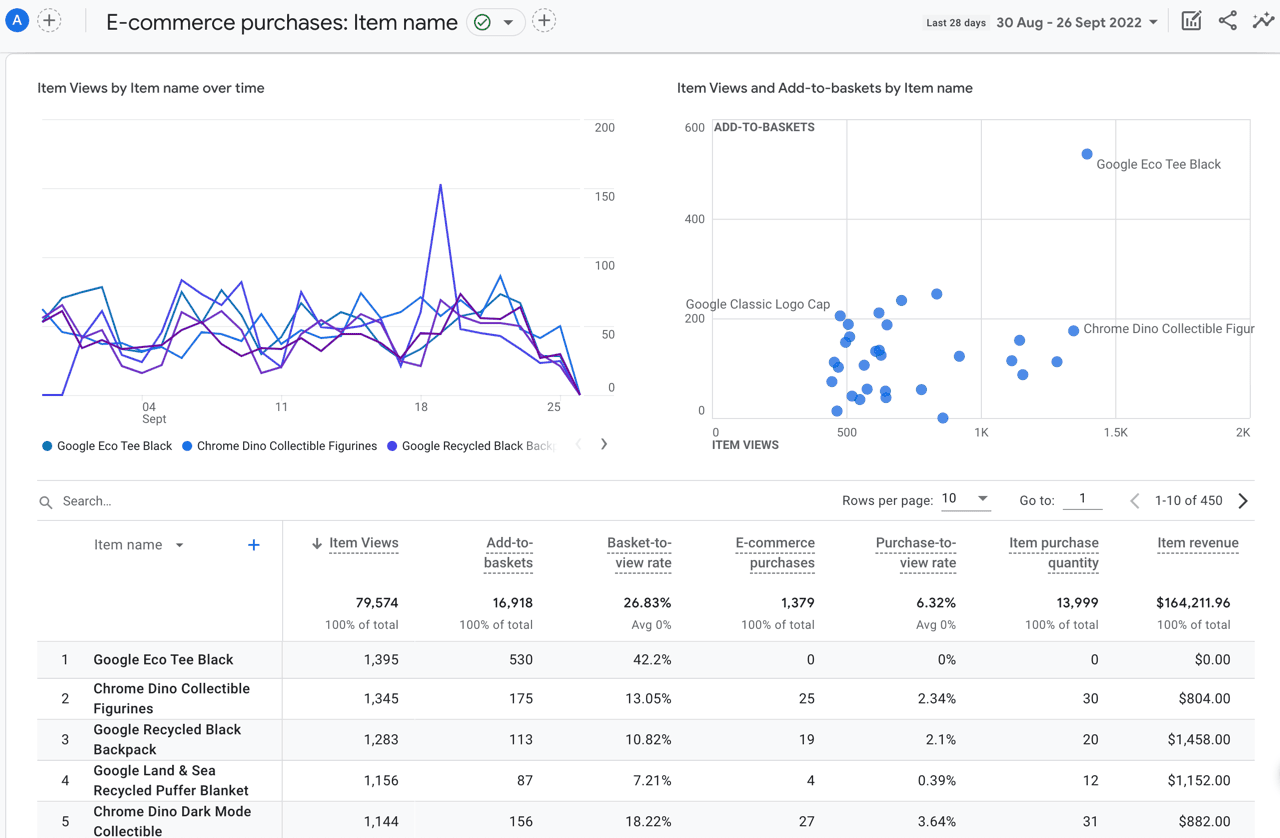
#### Ecommerce purchases
Shows details about each product you sell. Use it to see which products perform well so you can improve what you offer.
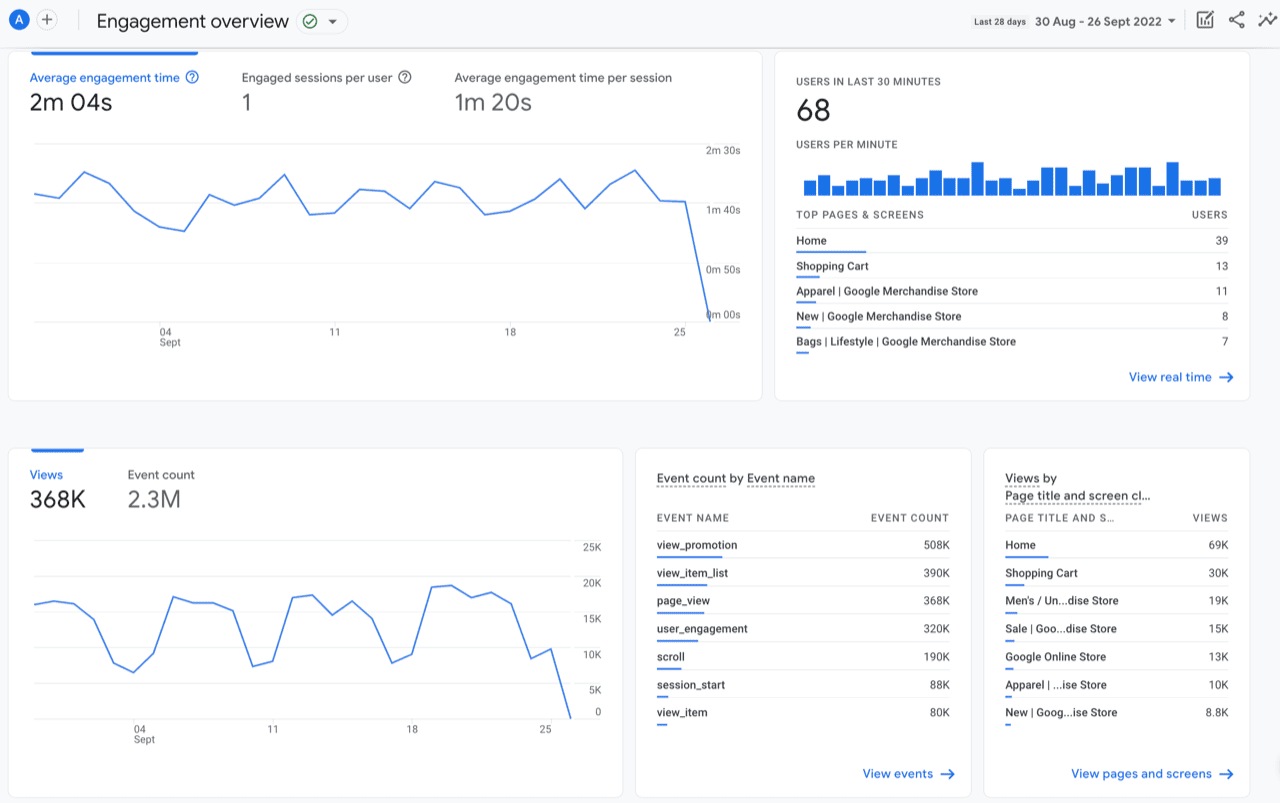
#### Engagement overview
Shows how customers interact with your website. This can help you retarget customers and turn more visitors into buyers.
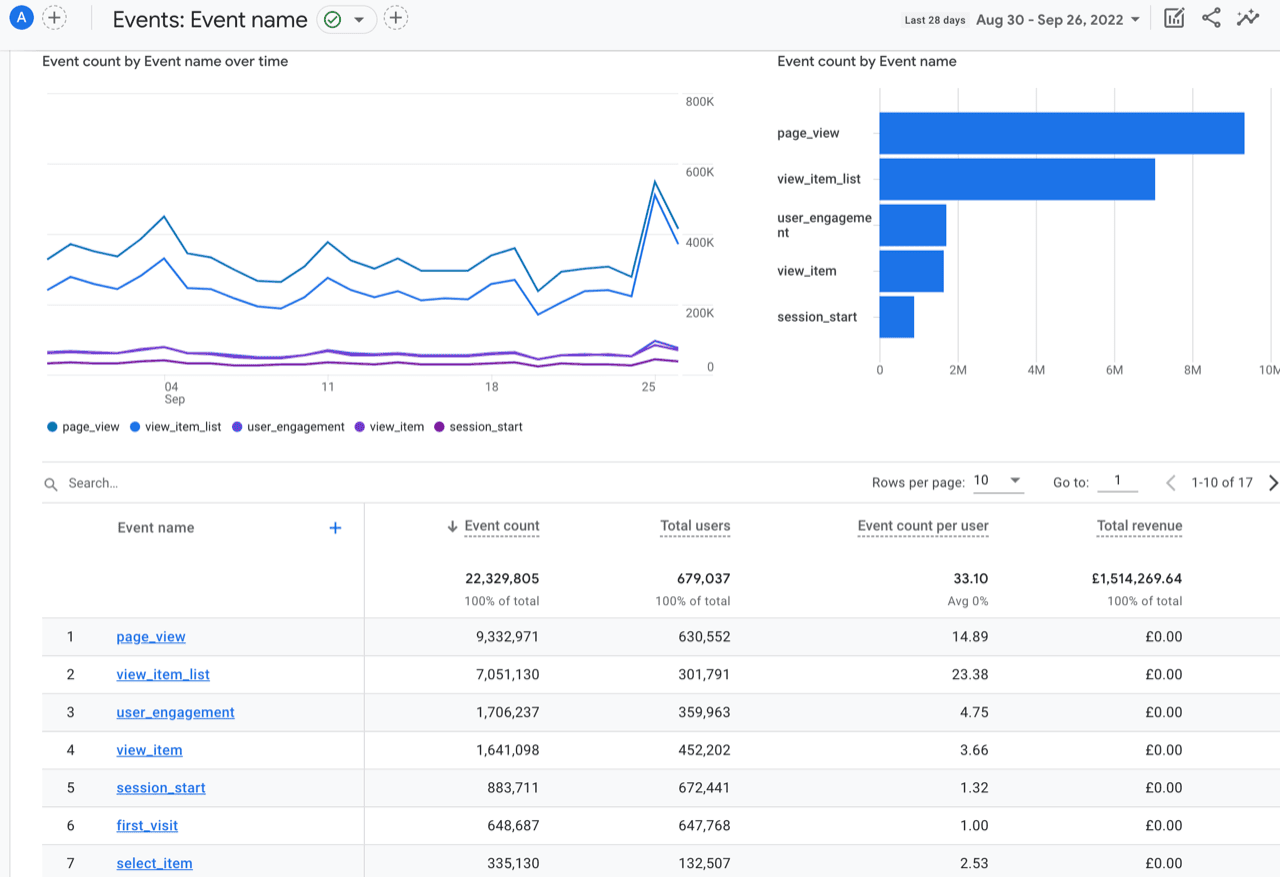
#### Events
Shows every event sent to GA4, so you can see how users interact with your website in more detail than the standard reports. Littledata sends both [client-side and server-side events](https://help.littledata.io/integrations/shopify-to-google-analytics/how-it-works-shopify-to-ga4#what-can-you-track).
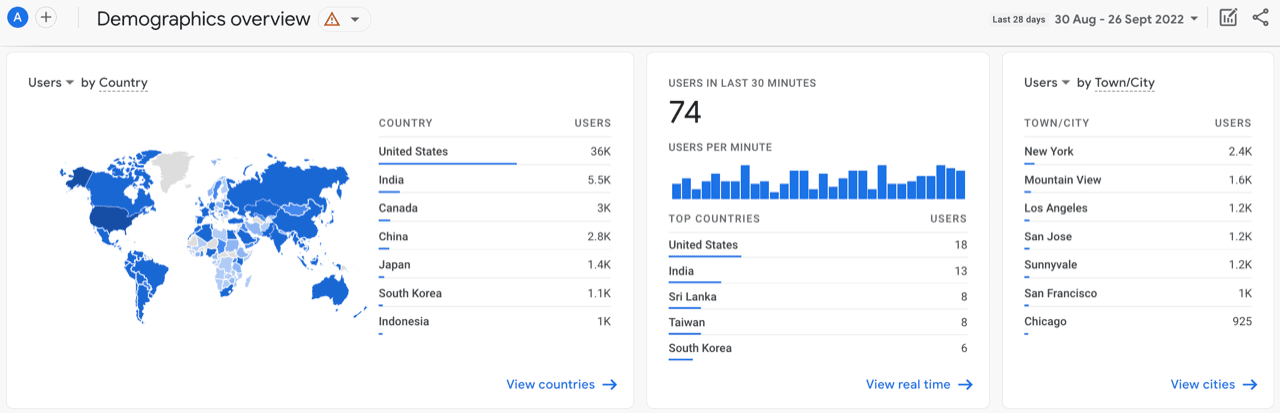
#### Demographics
Shows where your users are and, when available, their age, gender and interests. Use it to focus your marketing on the groups most likely to buy.
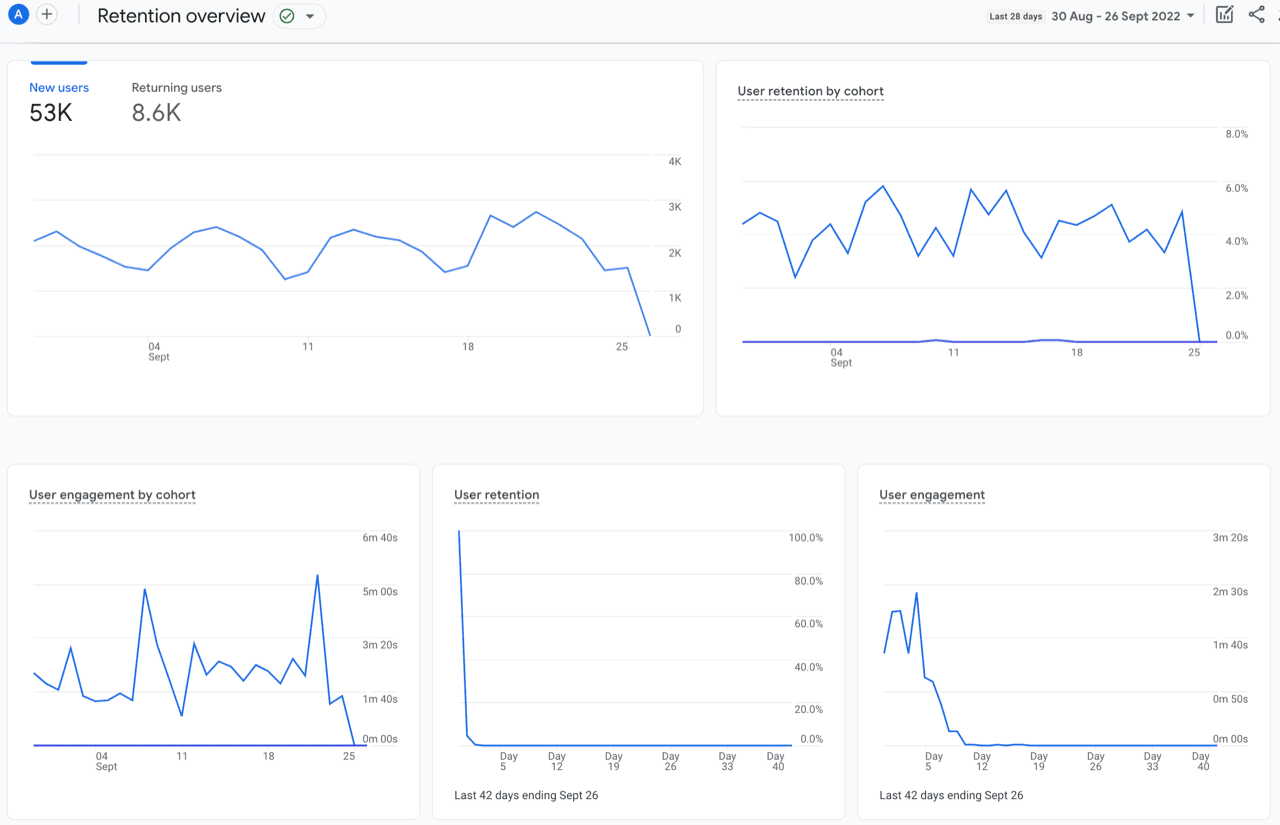
#### Retention
Shows how often, and for how long, users come back to your website after their first visit.
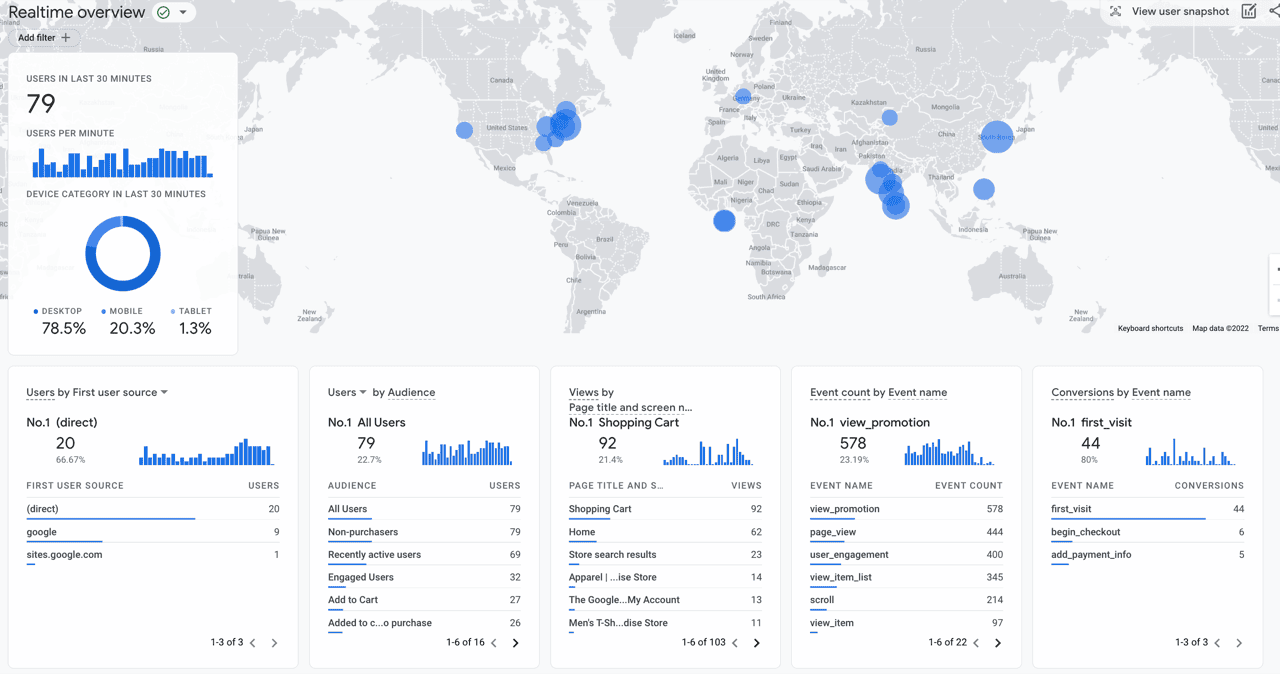
#### Realtime
Shows activity on your website as it happens. This is most useful for checking that your tracking works.
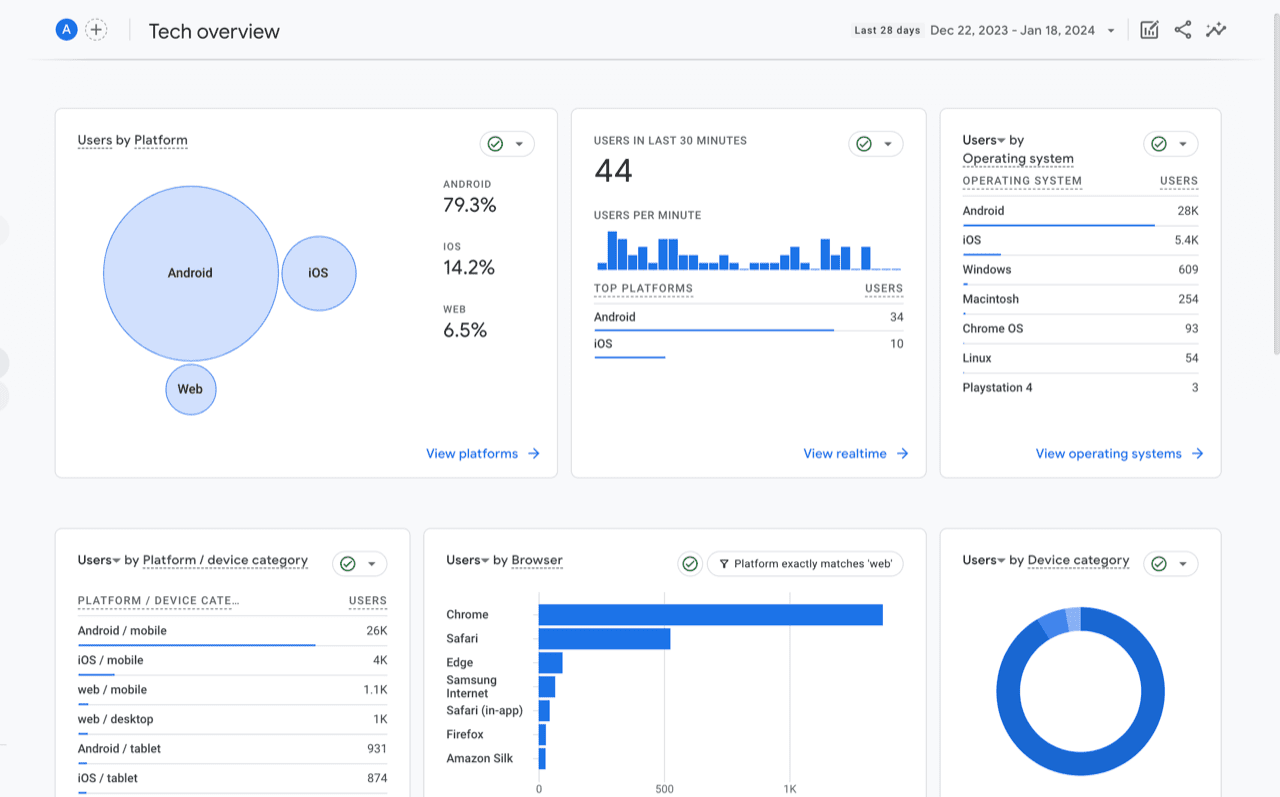
#### Tech
Shows the technology people use to visit your website, like their browser, device model and screen resolution.
### Explorations
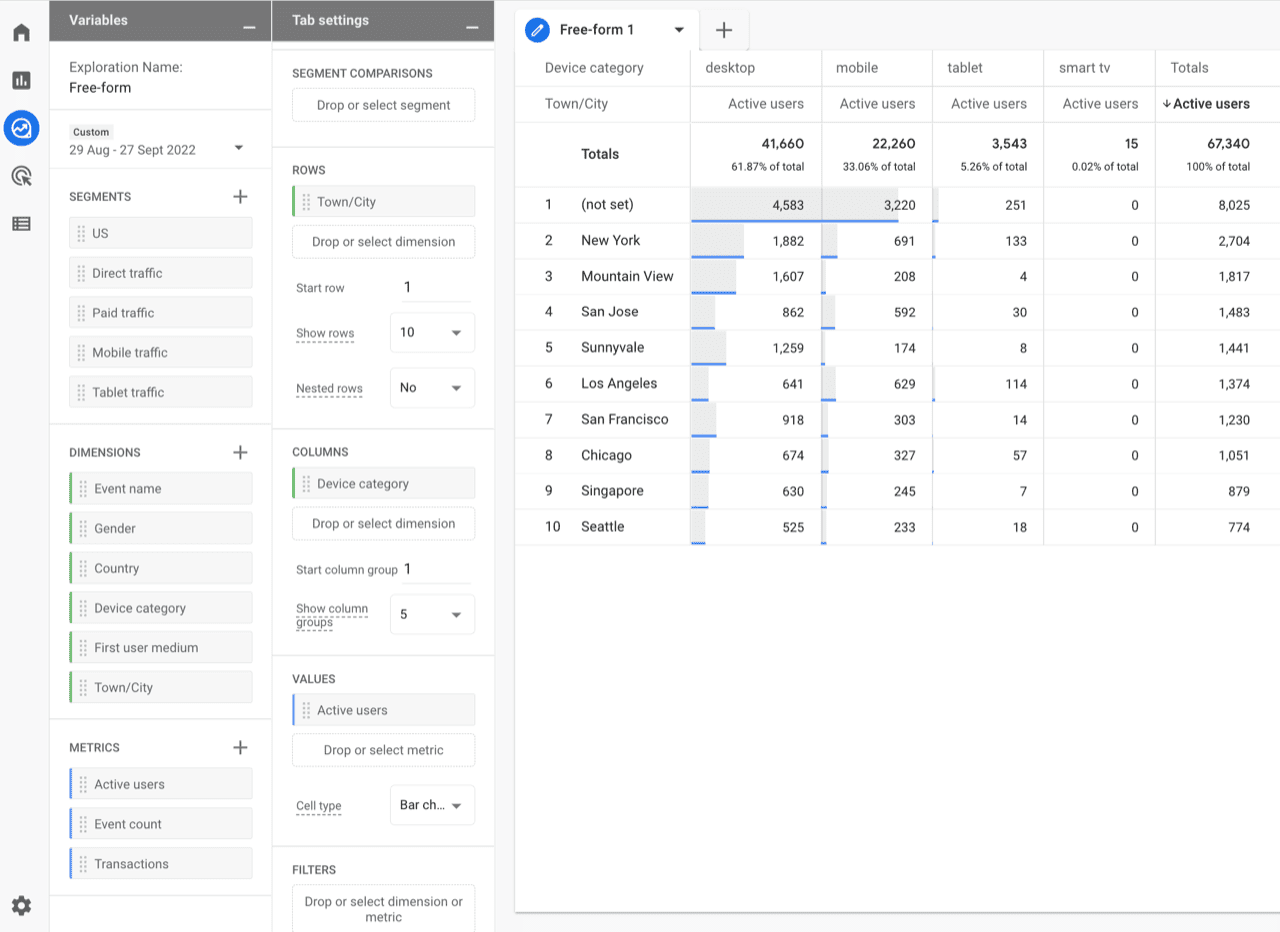
For deeper analysis, click **Explore** in the left menu. You can start from a template or build your own custom report. You can also build charts and visuals to share with your team.
To learn how to build reports like a shopping behavior funnel or a sales performance report, see the guides below and our [YouTube playlist](https://www.youtube.com/playlist?list=PLzjBsQdVKYbsjYJN8Mz_SqJj-8utjPoR6) for GA4.
### Connect to BigQuery
For even more custom analysis, you can export your GA4 data to BigQuery and visualize it with [Looker Studio](https://support.google.com/looker-studio/answer/6370296). See how to [set up the BigQuery data export](https://help.littledata.io/google-analytics/setup/ga4-to-bigquery).
### Related articles
* [How it works: Shopify to Google Analytics](https://help.littledata.io/integrations/shopify-to-google-analytics/how-it-works-shopify-to-ga4)
* [GA4 explorations: complete guide for ecommerce growth](https://help.littledata.io/google-analytics/behavior/ga4-explorations-complete-guide-for-ecommerce-growth)
* [Funnels in Google Analytics 4](https://help.littledata.io/google-analytics/behavior/funnels-in-google-analytics-4)
* [How to build a sales performance report in GA4](https://help.littledata.io/google-analytics/conversions/how-to-build-a-sales-performance-report-in-ga4)
* [How to stream data from GA4 to BigQuery](https://help.littledata.io/google-analytics/setup/ga4-to-bigquery)