> For the complete documentation index, see [llms.txt](https://help.littledata.io/llms.txt). Markdown versions of documentation pages are available by appending `.md` to page URLs; this page is available as [Markdown](https://help.littledata.io/partner-recipes/klaviyo/10-use-cases-time-delay-klaviyo.md).
# 10 use cases for the Time delay block in Klaviyo
Ten ways to use Klaviyo's Time delay block in your flows, plus when not to use a delay at all.
The Time delay block is a basic building block of Klaviyo flows. This page gives you 10 ideas for using it, and a few cases where you should not add a delay at all.
The ideas are not in order of importance. Which ones matter most depends on your buying cycle and your customers' habits. Used well, time delays keep you present in the customer's journey without becoming annoying.
### 1. The welcome series
A welcome series with several messages can mean two things:
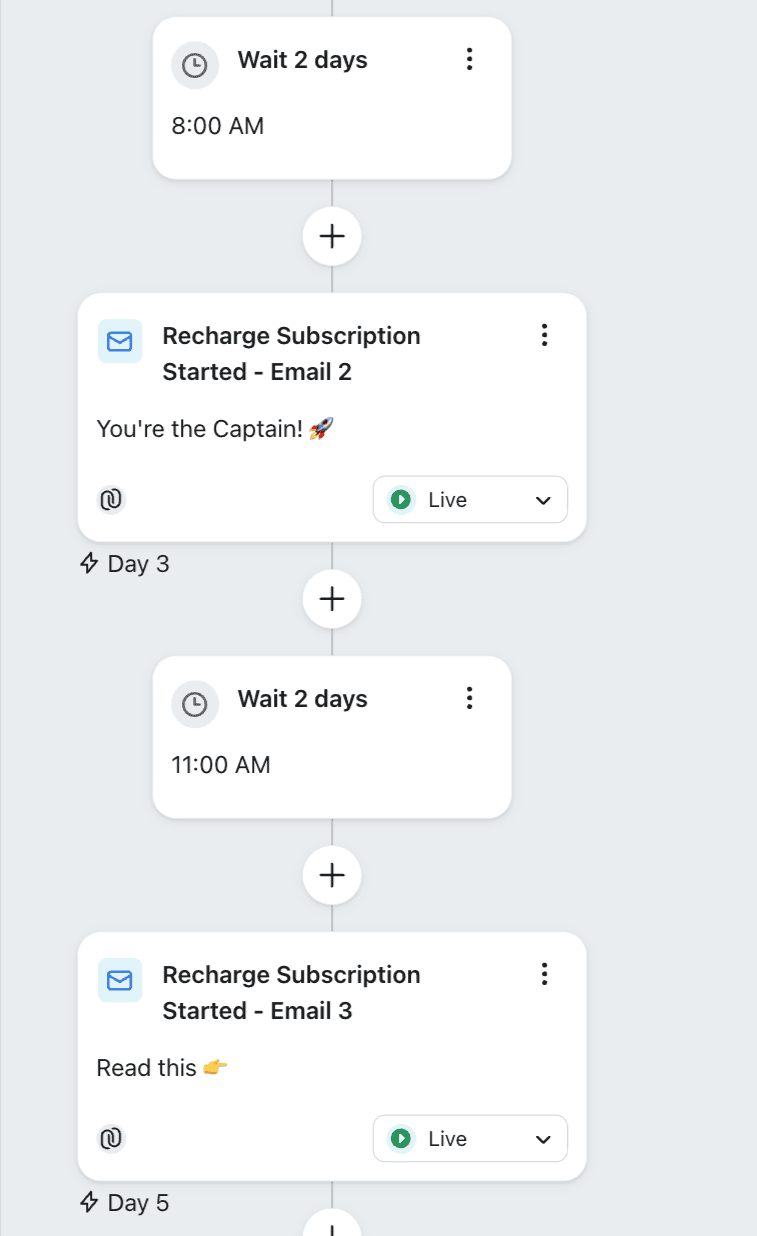
* **Newsletter subscribers:** space emails 2 to 3 days apart. Don't hard-sell to someone who just showed interest in your brand, but don't wait too long either. Spacing out your brand story and value keeps their attention until they are ready to buy.
* **New subscription buyers:** the same rule applies to the onboarding emails for subscription customers. Give them value with breathing space in between.
### 2. Waiting between SMS and email
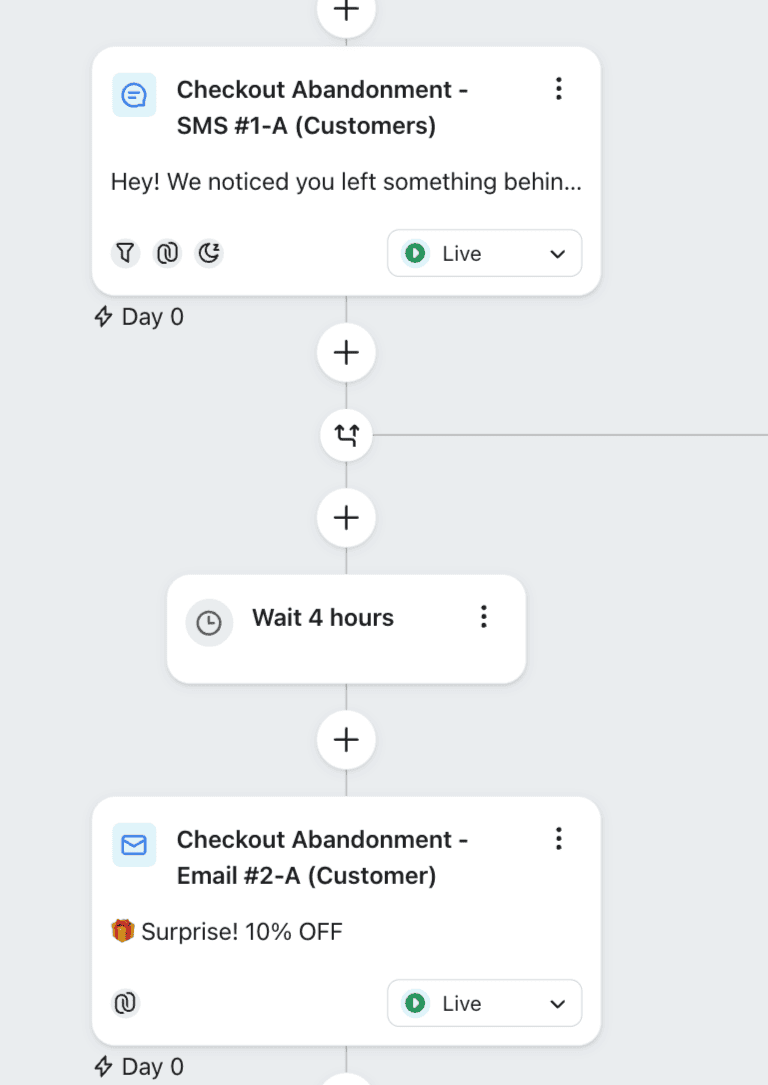
In an advanced Klaviyo setup, you can run SMS and email together. SMS has a much higher open rate, so it often makes sense to send it first as an abandoned cart reminder. For example, send an SMS after 30 minutes or an hour, then use a time delay to wait a few more hours before a follow-up email.
You can also use the "wait until" option to hold the email until a set time of day, if that fits your customers' routine.
### 3. The "burn rate" reminder
If you sell consumables that get used up at a steady rate, work out when a customer will need to buy again. This is the product's "burn rate".
Send an automated reminder 2 or 3 days before they are expected to run out. This matters most for customers who buy manually, not on a subscription. An "Are you running low?" email just before the bottle is empty makes buying again easy.
### 4. Before the birthday
On a customer's birthday, their inbox is full of offers from every brand they've ever bought from. Beat the noise by sending your email a few days before the big day.
For example: "Your big day is almost here", with a discount code or a gift link they can share with friends.
### 5. Newsletter readers who haven't bought yet
Some people join your list but never buy. Add a one-month time delay to check in on them.
Add a conditional split to make sure they didn't place an order during that month. If they still haven't bought, a 30-day nudge reminds them why they signed up.
{% hint style="warning" %}
Place the conditional split after the Time delay block, not before it.
{% endhint %}
### 6. Data-driven product upsells
An upsell flow suggests a good match or a complementary product based on what the customer just bought. Don't send it right after the purchase.
Littledata sends a purchase count to GA4 as a user property (`purchase_count_ld`). With it, you can see which products customers tend to buy in sequence. For example, people who buy product X first often buy product Z second.
You can also find the time gap between the first and second purchase with a [2-step funnel](https://help.littledata.io/google-analytics/behavior/funnels-in-google-analytics-4#ifttw-funnel-if-this-then-what). Once you know the average gap, set your time delay to match it.
### 7. Product review requests
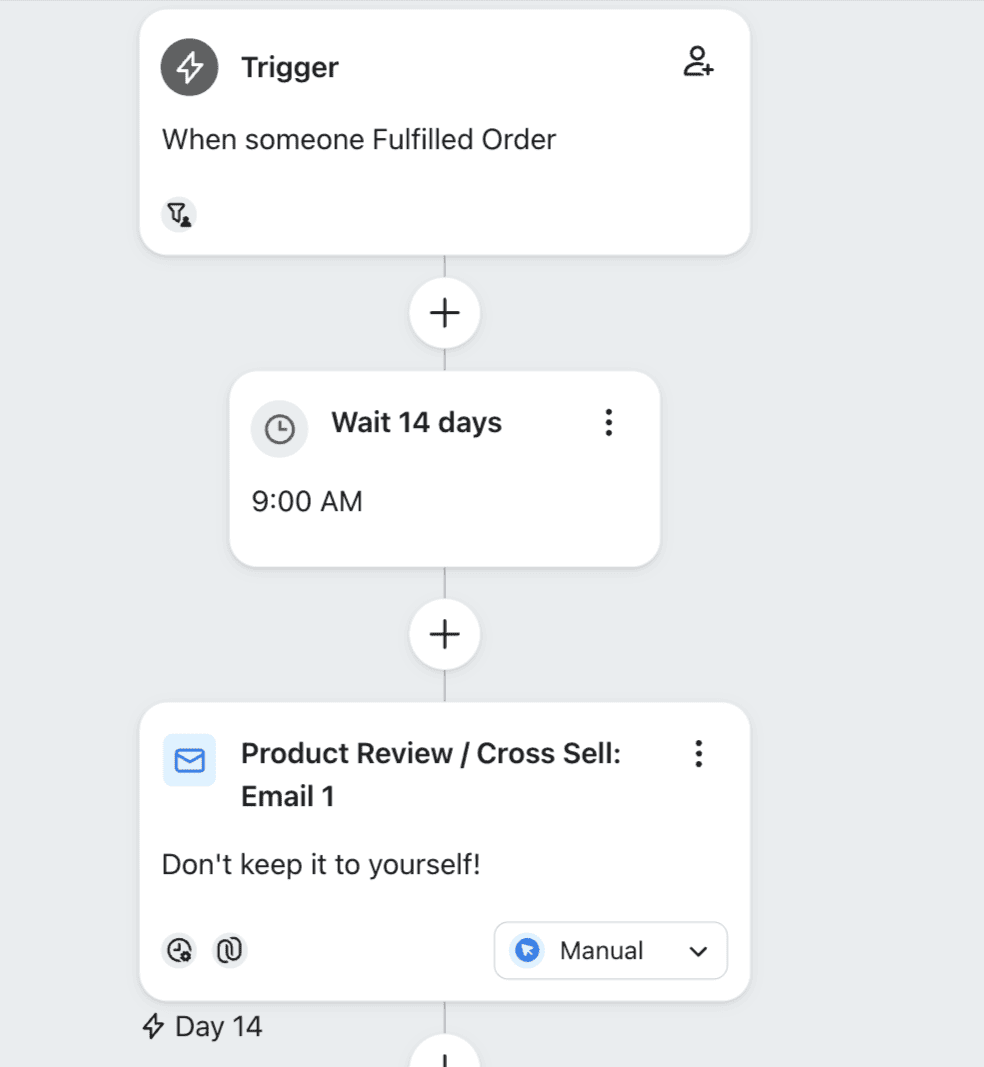
Timing is everything when you ask for reviews, for example through apps like [Okendo](https://help.littledata.io/partner-recipes/amplify-okendo-reviews-with-littledata). Allow for order processing, shipping and a few days of actual use.
After the order is delivered, add a delay that gives the customer time to really try the product. Customers leave the most positive, detailed reviews when they are a few days into using their purchase.
### 8. Abandoned cart recovery
Abandoned cart flows often use more than one time delay. Send the first reminder after an hour or two, without an incentive.
If the customer still hasn't bought after 24 hours or a few days, use a second delay to send a coupon code. This extra push helps shoppers who were unsure about the price.
### 9. The last-chance save
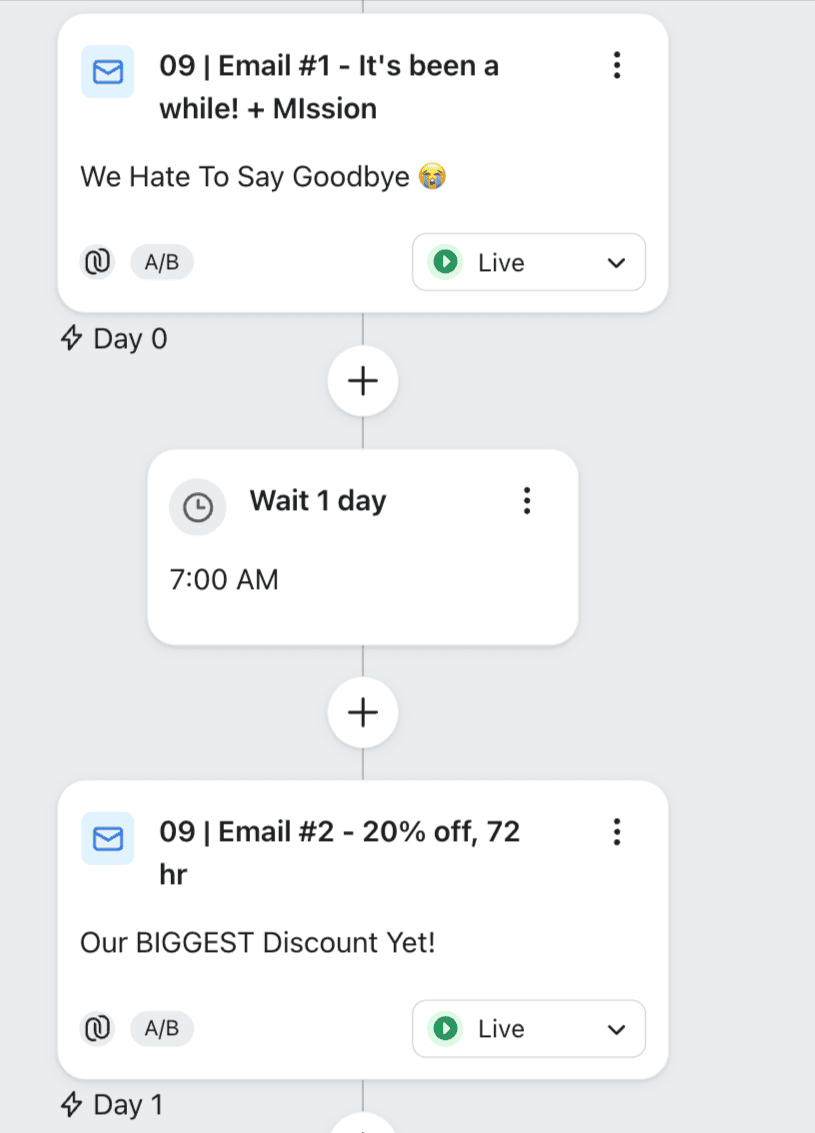
It's good practice to clean up your email list from time to time. When you do, send a final "last chance" email a day or two after your "Are you still there?" email.
If it fits your brand, offer a farewell discount as a final attempt to keep the customer.
### 10. Trial ending reminder
Most of us have been charged for a subscription we forgot about. For free trials, check whether the user was active during the trial. If they weren't, send an email a few days before the automatic charge to say the trial is ending.
This gives them a chance to come back or cancel. It builds trust and cuts down on refund requests.
### Tip: use "wait until"
Klaviyo's time delay has a "wait until" option. It holds an email until a set time of day, or even a set day of the week.
Some research suggests evenings work best for ecommerce, but always check your own customers' habits. Test different times to find when your audience is most likely to buy.
### When not to use a time delay
Some emails should go out right away:
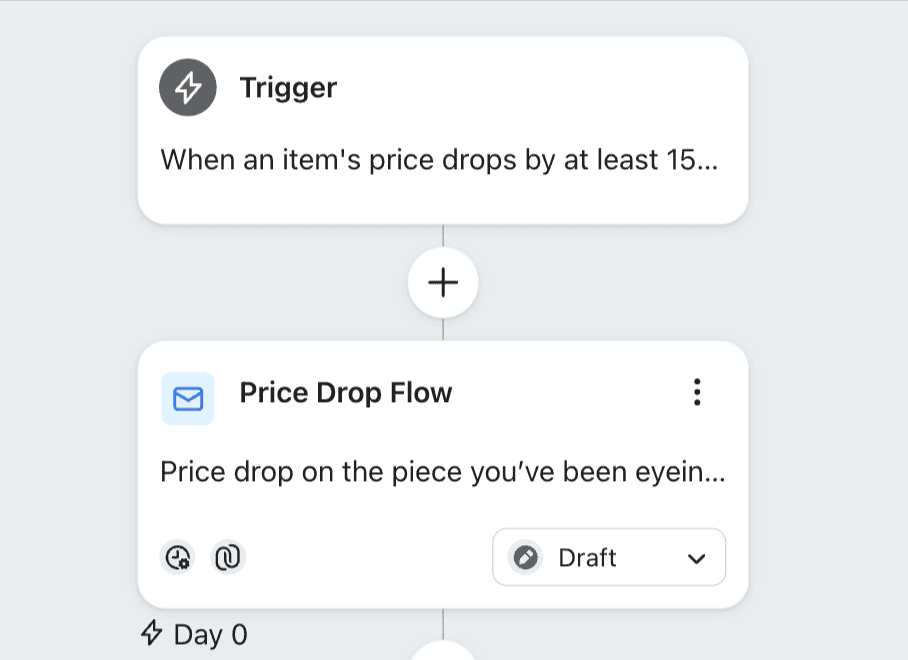
* **Updates that aren't tied to the customer's timeline.** Price drop emails should never wait, because customers want to be first to know about a deal. Back in stock emails should go out the moment inventory updates, so the customer can buy before it sells out again.
* **"Proof of life" emails.** These tell the customer your system is working. Order confirmations are the most important: customers need to know right away that their payment went through. The same goes for password resets and lead magnets. If someone gives you their email for a discount or a guide, they want it now. Even a 10-minute delay can make them think something went wrong, or submit the form again.
### Related articles
* [Set up your Klaviyo flows using Littledata's triggers](https://help.littledata.io/integrations/shopify-klaviyo/set-up-klaviyo-flows)
* [Funnels in Google Analytics 4](https://help.littledata.io/google-analytics/behavior/funnels-in-google-analytics-4)
* [Track Klaviyo email campaigns in Google Analytics](https://help.littledata.io/integrations/shopify-klaviyo/track-klaviyo-campaigns-in-google-analytics)