Shopify to Microsoft Ads installation guide
In this guide, we'll explain how to connect your Shopify store to the Microsoft Ads destination.
Quick install guide
From the Littledata dashboard, click Add destination.
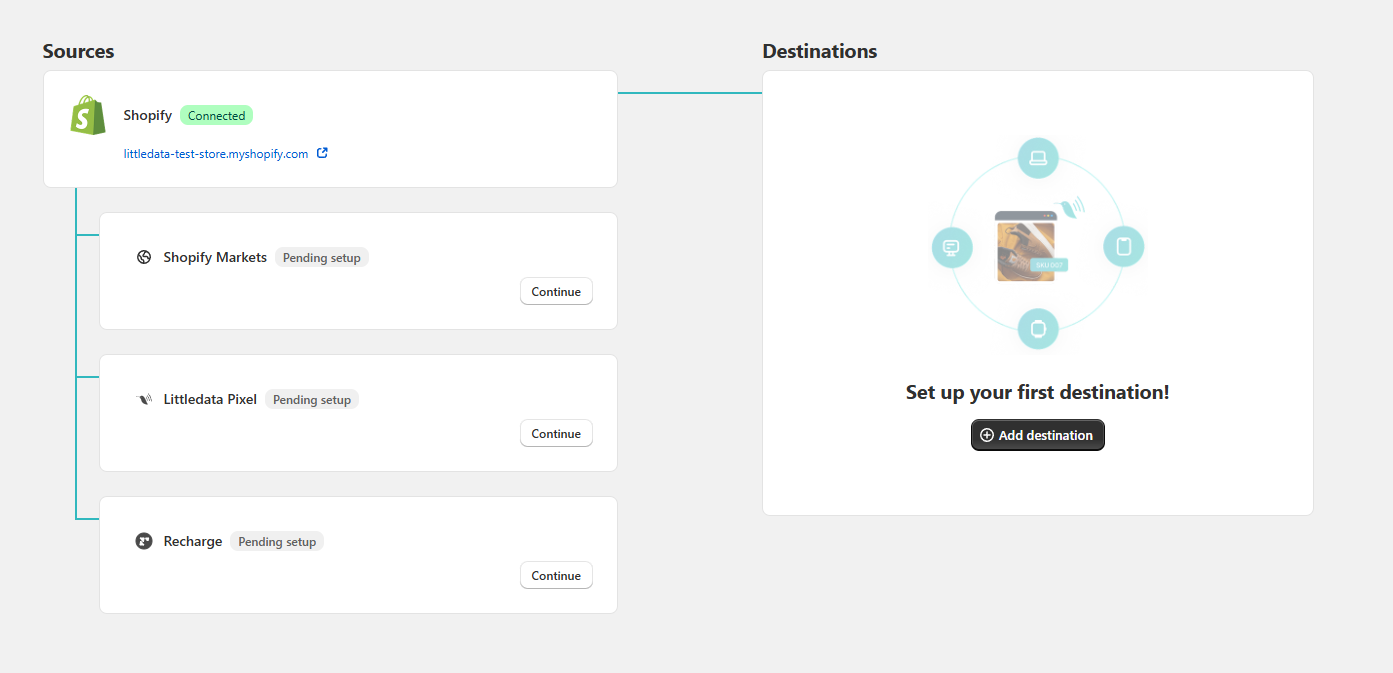
Look for the Microsoft Ads destination and click Connect.

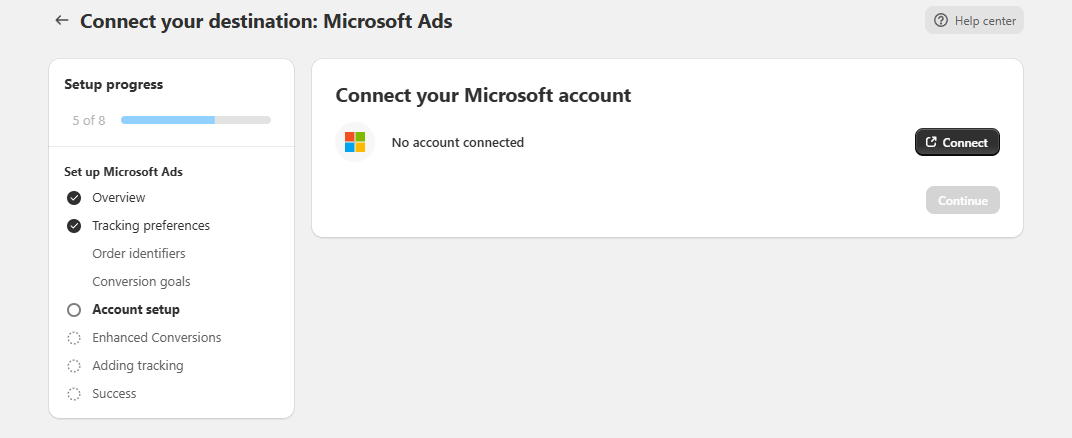
Log in with your Microsoft account and select the Ads account you want to connect.
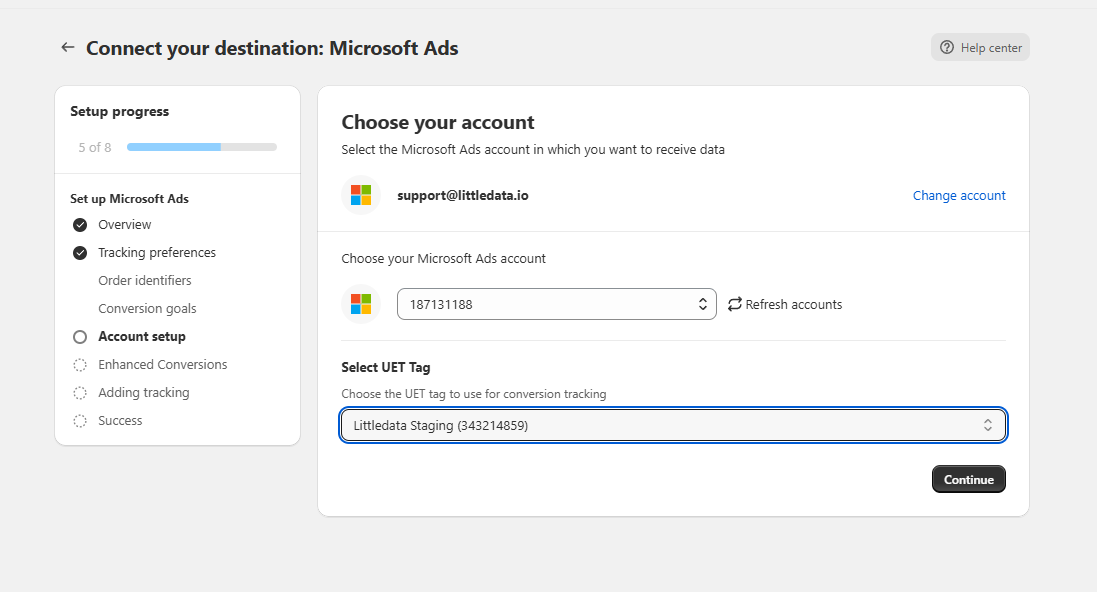
Continue to select the Ads account and UET tag.
Next, Littledata will create four conversions in your account named:
-
Purchase - Littledata
-
New Customer Purchase - Littledata
-
Returning Customer Purchase - Littledata
-
First Recurring Purchase - Littledata
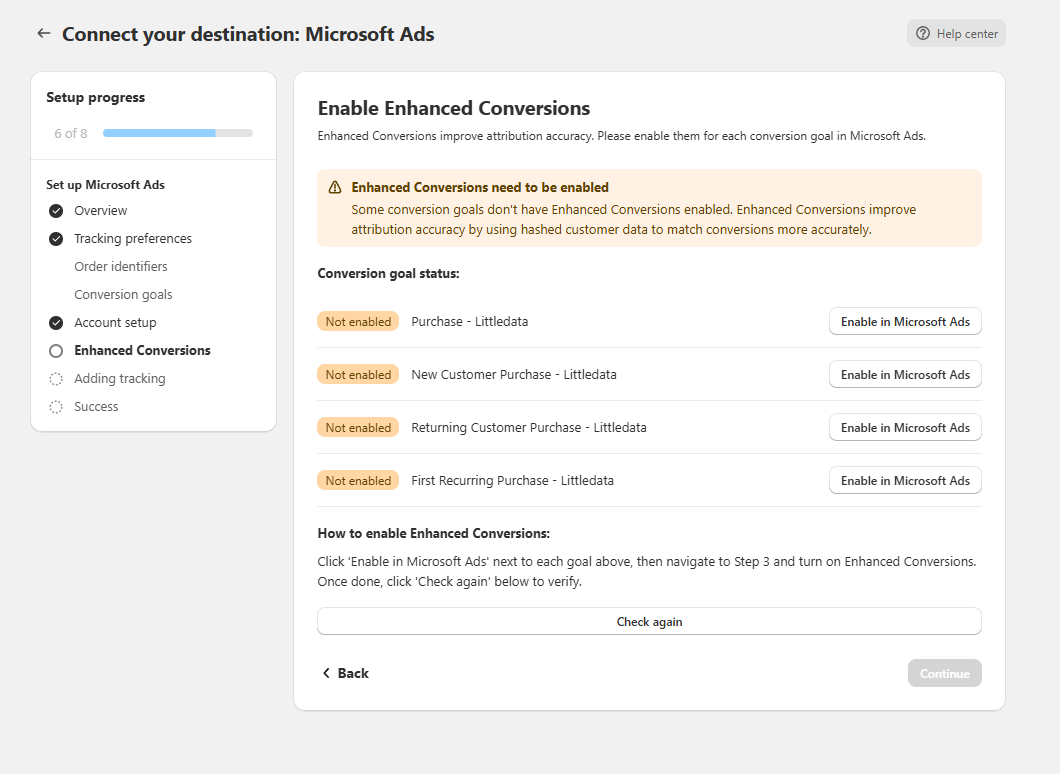
Click on Enable in Microsoft Ads and follow the following steps for each of the four conversions created:
- Click on the conversion created in Microsoft Ads

- Go through the steps until you reach Conversion Goal Details. Here you will have to click
Turn on Enhanced conversions and Enable Enhanced conversions for this goal.
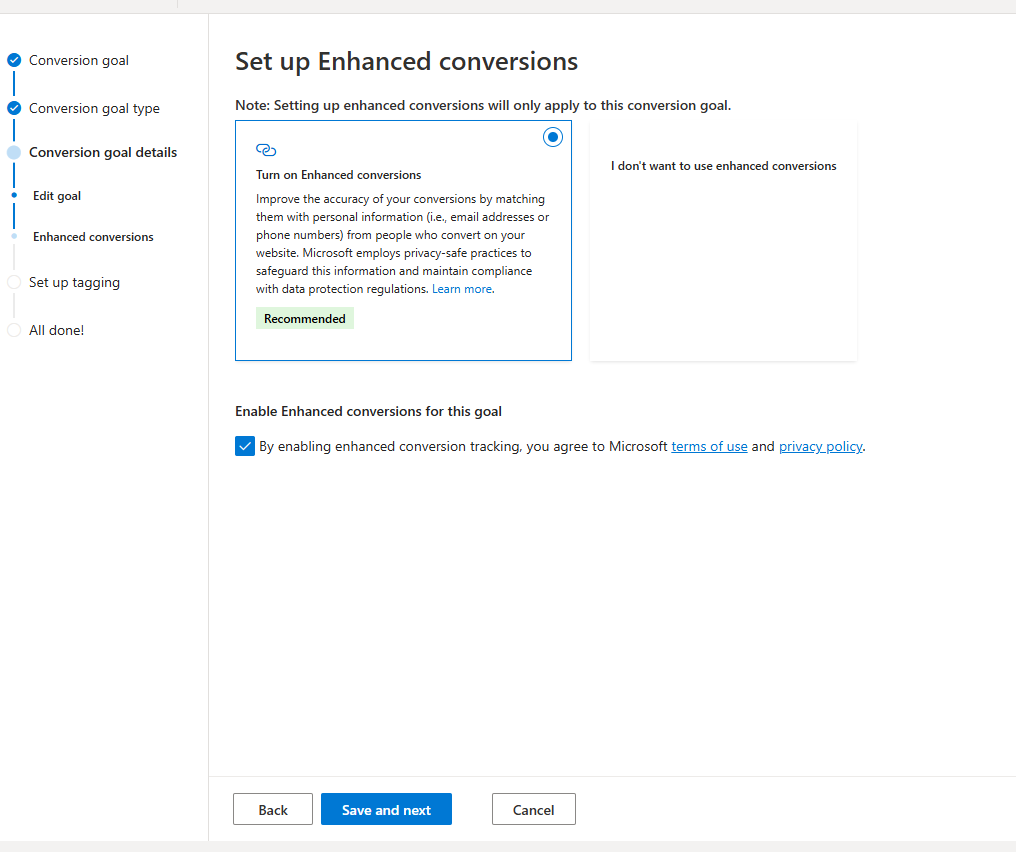
- Proceed until you finish this conversion.
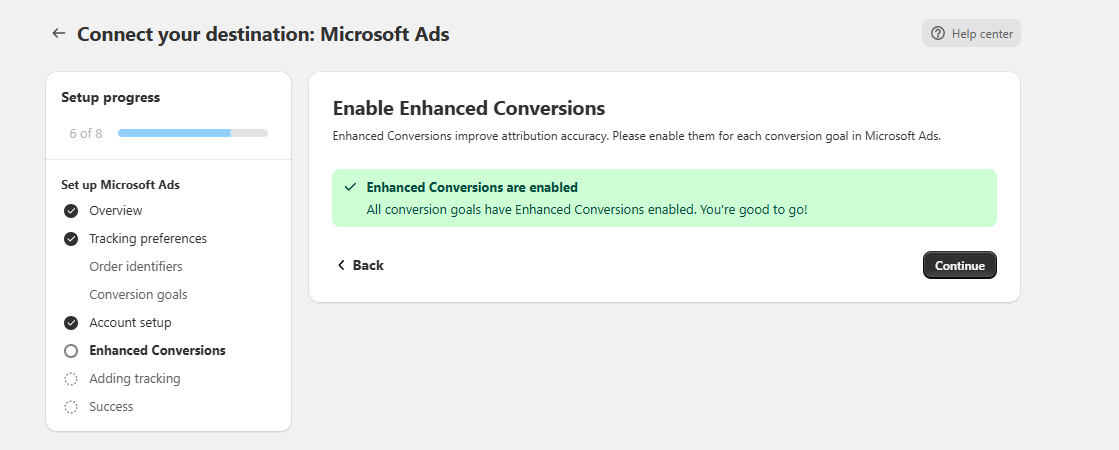
After you finish these steps with all four conversions, go back to the Littledata app and click on Check again.
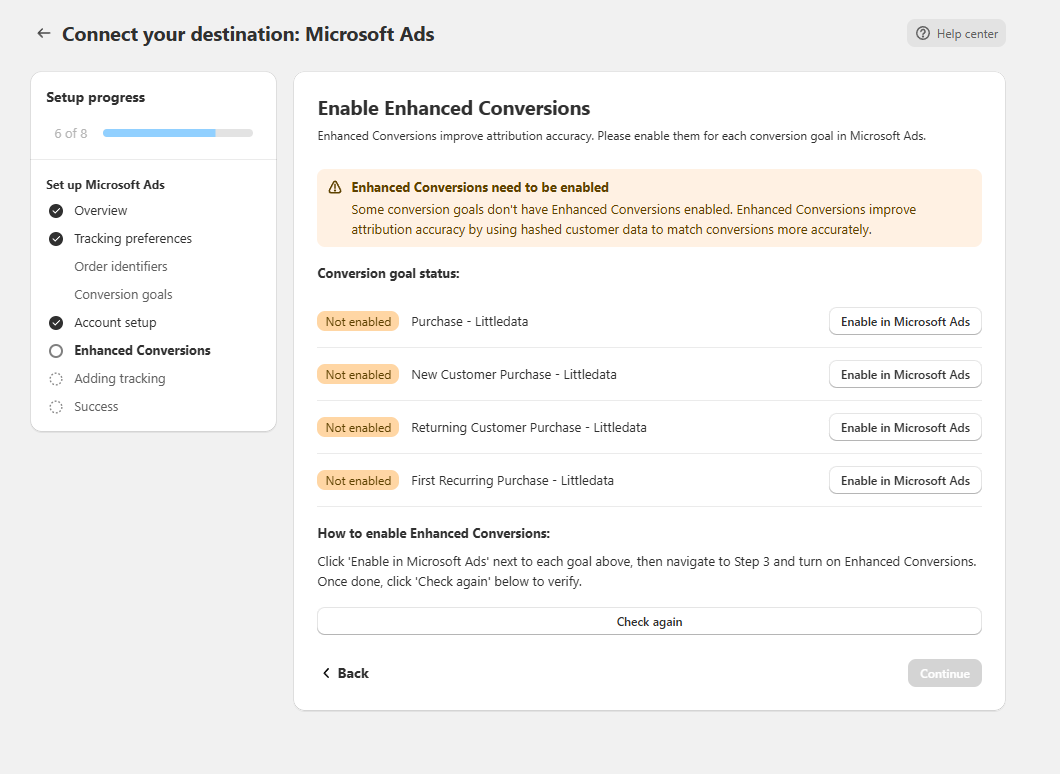
Once the connection is successful, Microsoft Ads will start receiving data.
\