Shopify to Attentive installation guide
In this guide, we'll explain how to connect your Shopify store to the Attentive destination.
Quick install guide
From the Littledata dashboard, click Add destination.
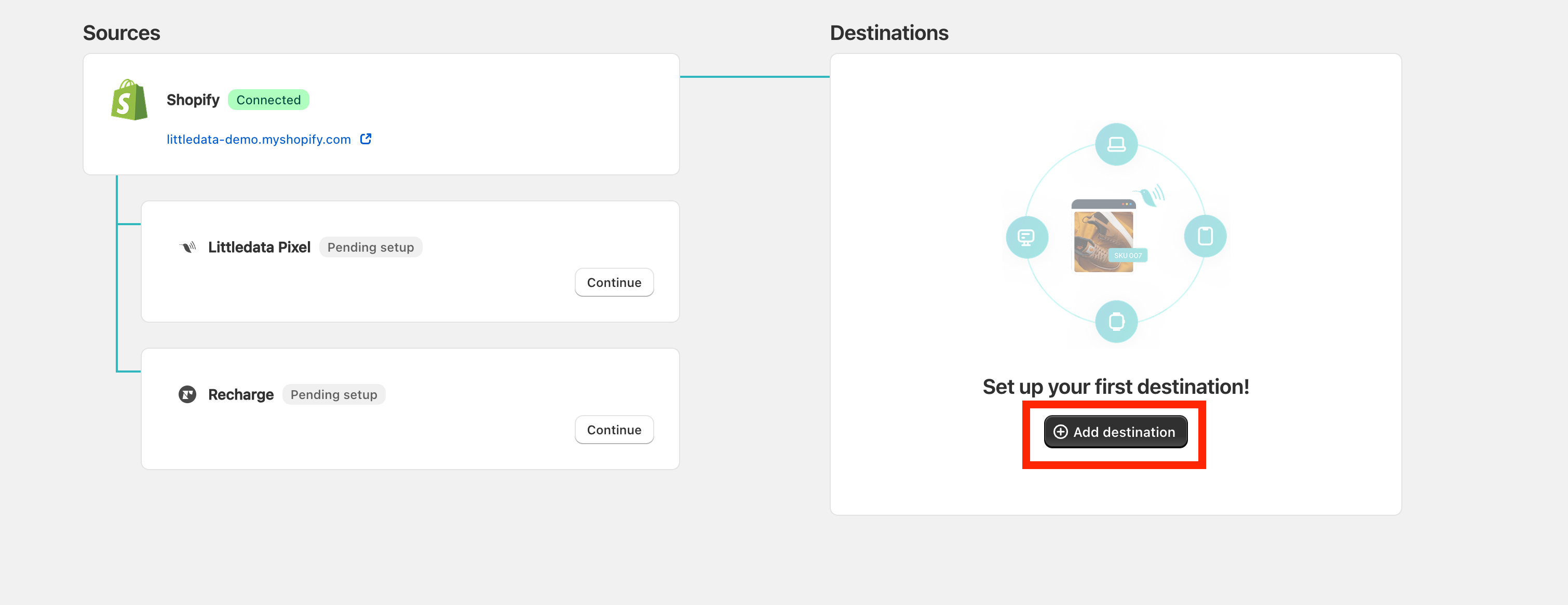
Look for the Attentive destination and click Connect.

Next, click on Connect, log into your Attentive account and Authorize access for the Littledata app.
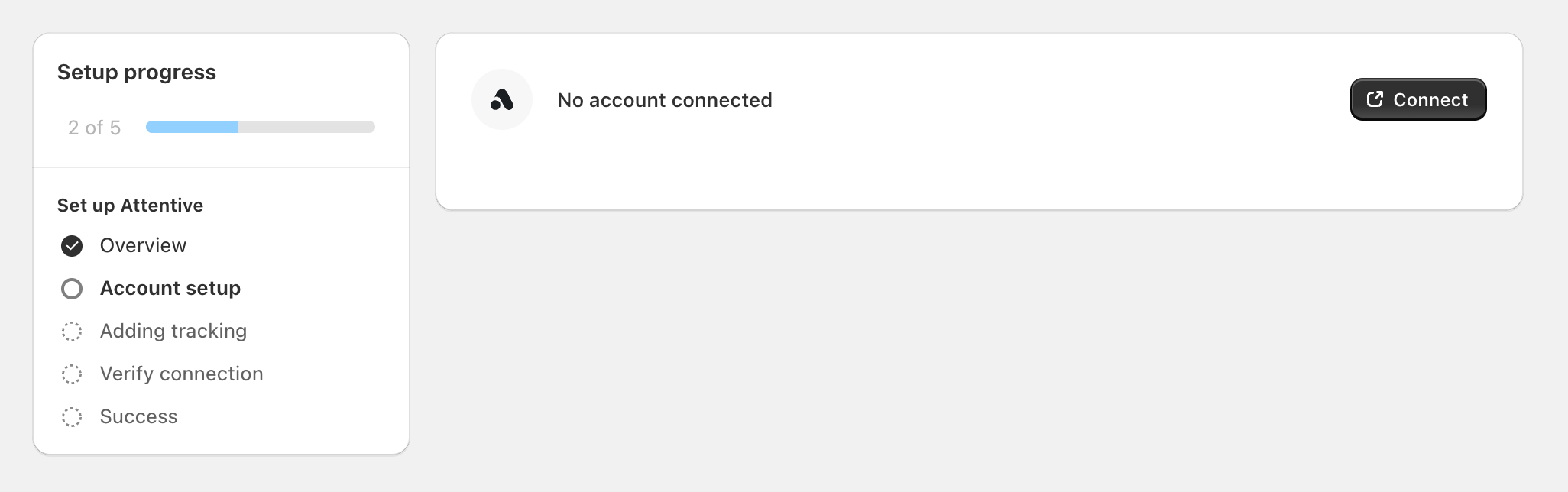
Once the account is connected, click Continue and Verify the connection.
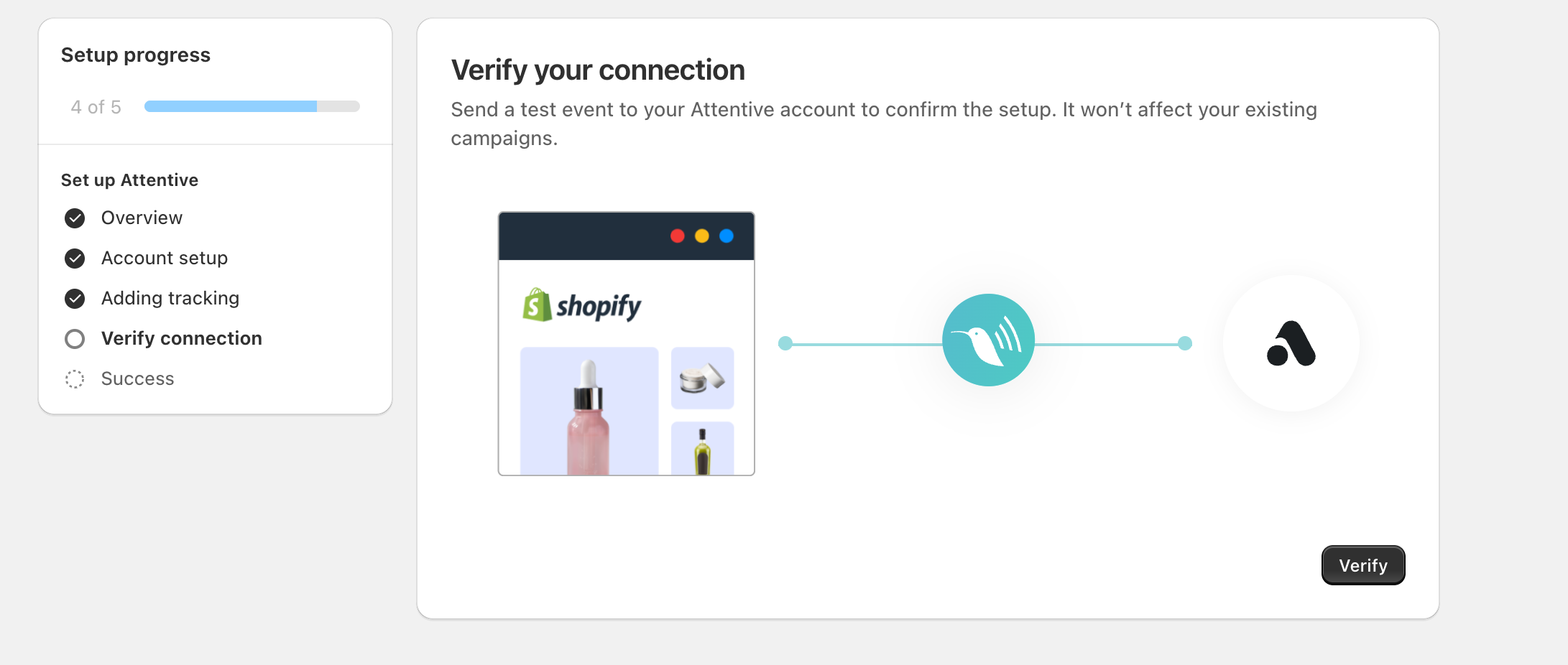
Verifying the connection
During setup, you will be prompted to send a test event to Attentive to verify if the connection was set up correctly.
Test events will be sent to your Attentive account:
-
to test if the connection was completed correctly.
-
in order for them to appear as triggers when setting up new flows.
info
Test events won't affect your current campaigns.